

Yes — an annual tax summary (available by January 31) and a monthly one, on drivers.uber.com and in the Driver app under Account › Tax Info. Online miles are on page 1; a month-by-month mileage table is on page 3. Uber notes it is not an official tax document.
Source: uber.com · checked 2026-09-27Mileage for Uber drivers
An Uber mileage tracker for the miles the Driver app does not see
Uber does record mileage: your annual and monthly tax summaries list online miles, counted in three stages while you are active in the Driver app — waiting or repositioning, driving to a pickup, and on trip. What they cannot contain is any mile driven while the app is offline: the drive out before you go online, the drive home after you go offline, and any stretch you drove with the app closed. Uber Eats couriers get the same summary. A tracker that runs whether or not the Driver app is on closes that gap.
From Uber's own help pages
What Uber's record shows — and what it leaves out
“Online miles” in three stages while you are active in the Driver app: waiting for the next trip or driving to a busier area, driving to the pickup, and on trip to drop-off. Uber's own example counts 10 miles from home to a waiting area.
Source: uber.com · checked 2026-09-27Anything driven while you are not active in the Driver app — before going online, after going offline, and errands with the app closed — falls outside Uber's “while you're active” scope.
Source: uber.com · checked 2026-09-271099-K for on-trip customer payments of $20,000 or more, and 1099-NEC for promotions and referrals of $600 or more (2025). Both by January 31. The miles are on the tax summary, not on either 1099.
Source: uber.com · checked 2026-09-27No mileage-tracker partner. Uber promotes TurboTax — 25–50% off by Uber Pro status — with automatic import of the Uber tax summary.
Source: uber.com · checked 2026-09-27A monthly tax summary with the same content as the annual one — usable for quarterly estimated taxes.
Source: uber.com · checked 2026-09-27Same Driver app, same summary and same 1099 rules. With the same email for Uber and Uber Eats you get one combined summary; with different emails, separate 1099s and summaries.
Source: uber.com · checked 2026-09-27What the gap is worth
One shift, two numbers
Illustrative shift, not Uber data: 101 online miles in the Driver app, plus 9 miles out before going online and 8 miles home after going offline. Rate: IRS standard mileage rate for the period the miles were driven in.
Example · miles the Uber record does not show $12.92
17 mi · Jul–Dec 2026 × 76¢/mi = $12.92
Uber counts more than most platforms — but only while you are online
Among gig platforms Uber's record is one of the fuller ones: it counts the miles you drive while waiting and repositioning, not only the miles with a rider or an order. That makes the online-miles figure a genuinely useful number. Its boundary is the app itself. The moment you go offline, the counting stops, and it never started for the drive you made before switching on. Drivers who go online only once they reach a busy area, or switch off before the drive home, are the ones with the biggest gap between Uber's summary and the car's odometer.
Uber and Uber Eats in one summary — or two
If you drive rides and deliver food under one Uber account, the summary combines both. If you signed up for Uber Eats with a different email, you get two summaries, and you need to add them together yourself. Either way the online-miles rule is the same, and so is the gap: any mile driven with the app off is on neither summary. Uber does not say how online miles are counted for couriers who deliver by bicycle, scooter or on foot.
How CatchMile fills the offline miles
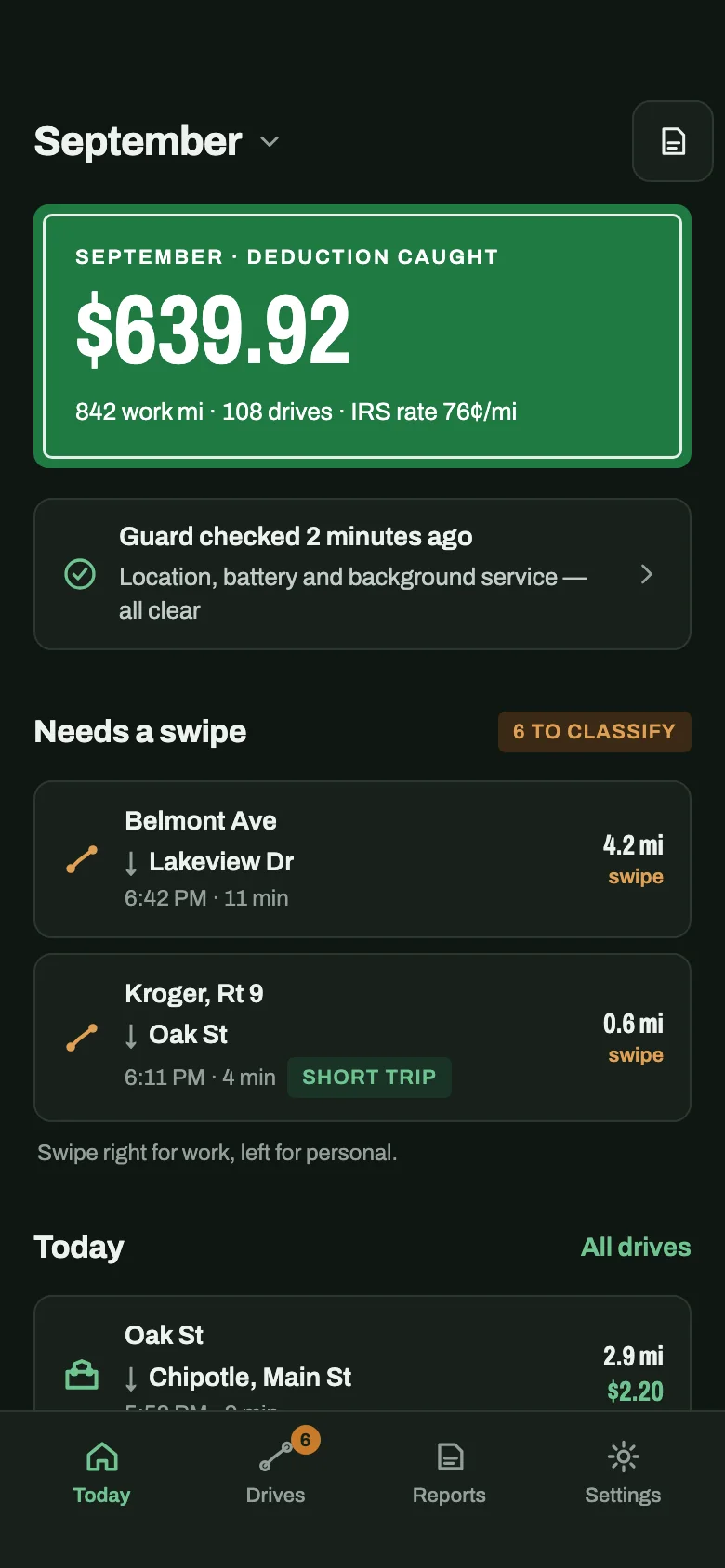
CatchMile records drives on its own, in the background, whether the Uber Driver app is on or not — it has no link to Uber and does not need one. Every drive is written down with its date, addresses and distance, and you classify it Business, Personal or Commute. Money is shown per drive at the IRS rate in force on its date — 72.5¢ a mile January–June 2026, 76¢ a mile July–December — so a month's figure lines up with Uber's monthly summary. If tracking stops because a permission was revoked or battery optimisation killed it, CatchMile shows that in the app instead of leaving a silent hole.
Set it up once. Every Uber mile logs itself — including the ones Uber doesn't count.
Free for your first 40 drives. iPhone and Android.
Uber mileage — questions drivers ask
Does Uber track my mileage?
Yes, while you are active in the Driver app. Your tax summary lists online miles across three stages — waiting or repositioning, driving to a pickup, and on trip. Miles driven while offline are not included.
Where do I find my Uber mileage?
On drivers.uber.com or in the Driver app under Account › Tax Info. The annual summary shows online miles on page 1 and a month-by-month table on page 3; monthly summaries are also available.
Does the Uber Eats tax summary show mileage too?
Yes. Couriers get the same summary and the same online-miles rule. Use the same email for Uber and Uber Eats and they are combined; different emails mean separate summaries.
Are the miles on my Uber 1099?
No. The 1099-K and 1099-NEC report payments. The miles are on the tax summary, which Uber notes is not an official tax document.
Why would I track miles if Uber already counts online miles?
Because the count stops when the app does. The drive out before you go online and the drive home after you go offline are on no Uber summary, and a record made as you drive also shows each trip's date and route, which a yearly total cannot.